


How paste inside a vector tool.
First find a picture you want to put in your picture.
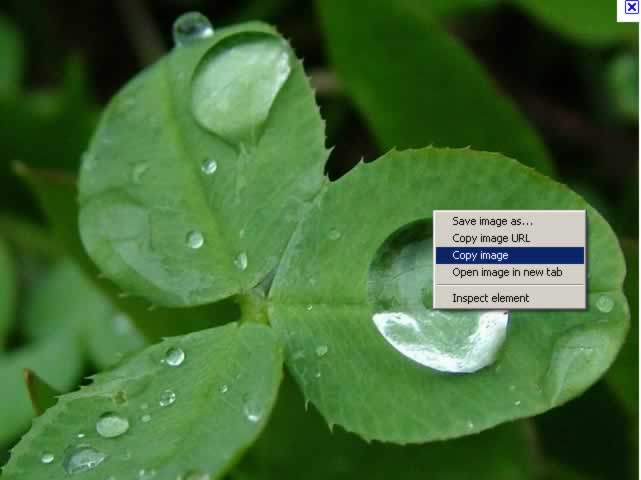
Next make a new file in fireworks.
Then select the vector shape tool in the left bar, and choose a shape of your choice.
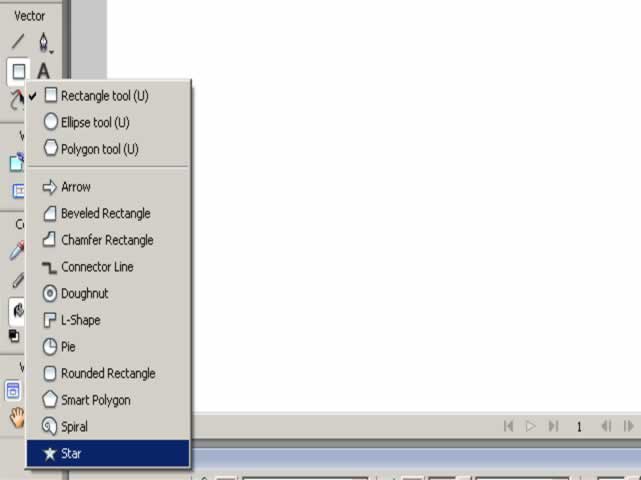
Then make that shape in your canvas.
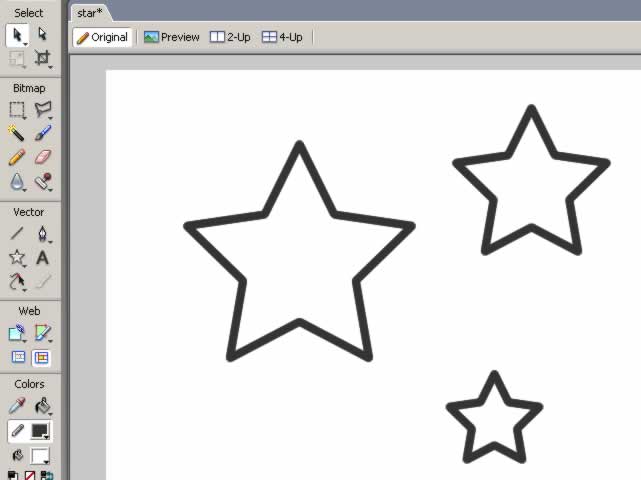
Next right click inside one of the stars, scroll over edit and click paste inside.

And this should result in your image being pasted inside your shape. Like in the example below.
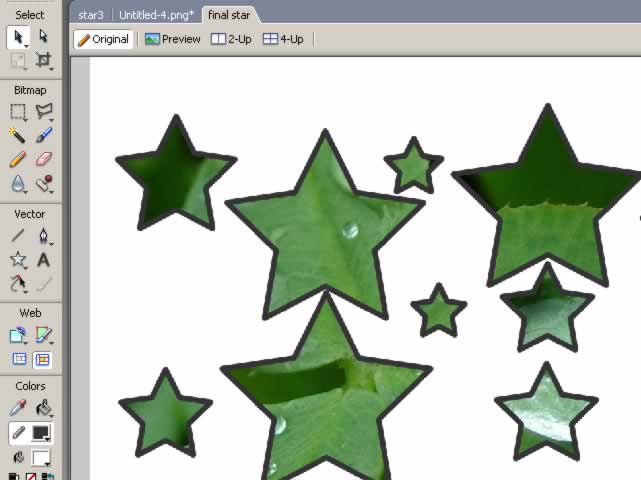
And thats how you paste inside :)
Tutorial 1: Patterned Text

Tutorial 2: Fade Image

